AI chatbots for business: use cases and implementation steps
Customer service, internal support, appointment booking: what an AI chatbot is used for in a company, how it works and which steps to follow to deploy one.
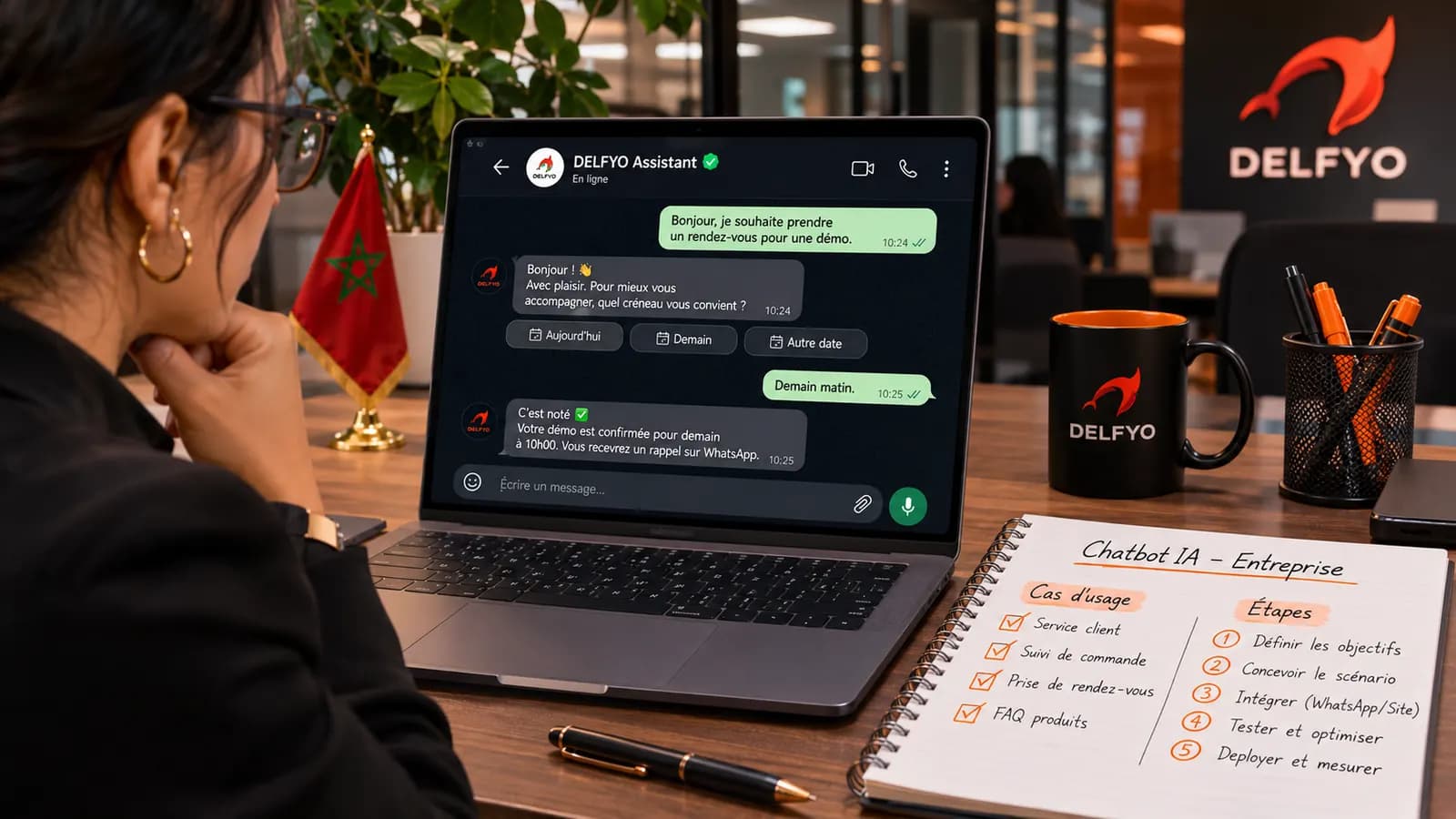
Chatbots have been around for a long time, but many companies have bad memories of them: rigid menus, off-topic answers and frustrated customers. Recent language models have changed the game. A well-designed AI chatbot understands freely worded questions, answers from your company's information and knows when to hand over to a human.
In this article, we review the most useful use cases, how a modern AI chatbot works and the steps to deploy one in your company.
Traditional chatbot or AI chatbot: what's the difference?
A traditional chatbot follows a decision tree: the user clicks buttons or has to use specific keywords. As soon as a question falls outside the planned script, it is lost.
An AI chatbot relies on a language model that can understand a question worded in the user's own way, with spelling mistakes or in another language. Combined with your company's content, it can give a natural, precise answer and ask clarifying questions if the request is ambiguous.
The most useful business use cases
Customer service and frequently asked questions
This is the most common use case. Opening hours, delivery times, return policies, order tracking, prices: a large share of the requests a customer service team receives are repetitive. A chatbot can answer them instantly, at any time, and let your teams focus on complex requests.
Appointments and bookings
Connected to your calendar or booking system, a chatbot can suggest time slots, record an appointment and send a confirmation. This is particularly useful for clinics, practices, salons, schools and tourism businesses.
Lead qualification
On your website, an assistant can welcome visitors, understand their needs, ask a few questions (budget, timeline, industry) and pass an already qualified request to your sales team.
Internal support and knowledge base
Employees often waste time looking for a procedure, a document template or an HR rule. An internal assistant fed with your documentation lets them find the right information simply by asking.
Support on WhatsApp
In Morocco, WhatsApp is an essential channel for communicating with customers. With the WhatsApp Business API, an AI chatbot can reply to messages, send confirmations and transfer the conversation to an advisor when needed.
How does a modern AI chatbot work?
Most high-performing business chatbots today rely on an approach called RAG (Retrieval-Augmented Generation):
- Your content is indexed: FAQ, product sheets, terms and conditions, internal documentation.
- For each question, the system searches for the most relevant passages in that content.
- The language model writes the answer based on those passages, not on its general knowledge.
This approach limits made-up answers, makes it possible to cite the source of a piece of information and keeps updates simple: just edit your content and the chatbot takes it into account.
Steps to set up an AI chatbot
1. Define the goal and scope
Start with a precise, measurable goal: reduce repetitive emails, answer outside business hours, qualify quote requests… A narrow scope at the start gives better results than an assistant expected to do everything.
2. Gather and structure the content
The quality of the answers depends directly on the quality of the content provided. You often need to update the FAQ, gather scattered information and remove outdated or contradictory documents.
3. Choose the channel and integrations
Website, WhatsApp, mobile app, internal tool: the channel depends on where your users are. Depending on the use case, the chatbot can also be connected to your CRM, calendar or order system.
4. Design the assistant's behavior
Tone of voice, languages supported (French, Arabic, Darija, English…), topics to avoid, how to answer when information isn't available, rules for handing over to a human: these choices shape your customers' experience and must be defined carefully.
5. Test with real questions
Before launch, the chatbot must be tested with real questions taken from your emails, calls and messages. This is the time to spot imprecise answers and complete the content.
6. Launch, measure and improve
After going live, track simple indicators: share of conversations resolved without human intervention, unanswered questions, user satisfaction. The questions the chatbot can't answer are a goldmine for enriching your content.
Best practices to follow
- Always provide a way out to a human advisor, clearly visible.
- Be transparent: tell your users they are talking to an automated assistant.
- Protect personal data: limit the information collected, store it securely and comply with Moroccan Law 09-08 on personal data protection.
- Don't let the chatbot improvise on sensitive topics (contractual prices, medical or legal advice): it should refer users to the right person.
- Update the content regularly, at the same pace as your offering evolves.
In summary
A well-designed AI chatbot is not a gimmick: it instantly answers repetitive questions, books appointments, qualifies leads and takes pressure off your teams. The key to success lies less in the technology than in the preparation: a clear goal, reliable content, serious testing and continuous improvement after launch.
Thinking about adding an AI assistant to your website or WhatsApp? Explore our artificial intelligence solutions or contact us to discuss your use case.